 Patchman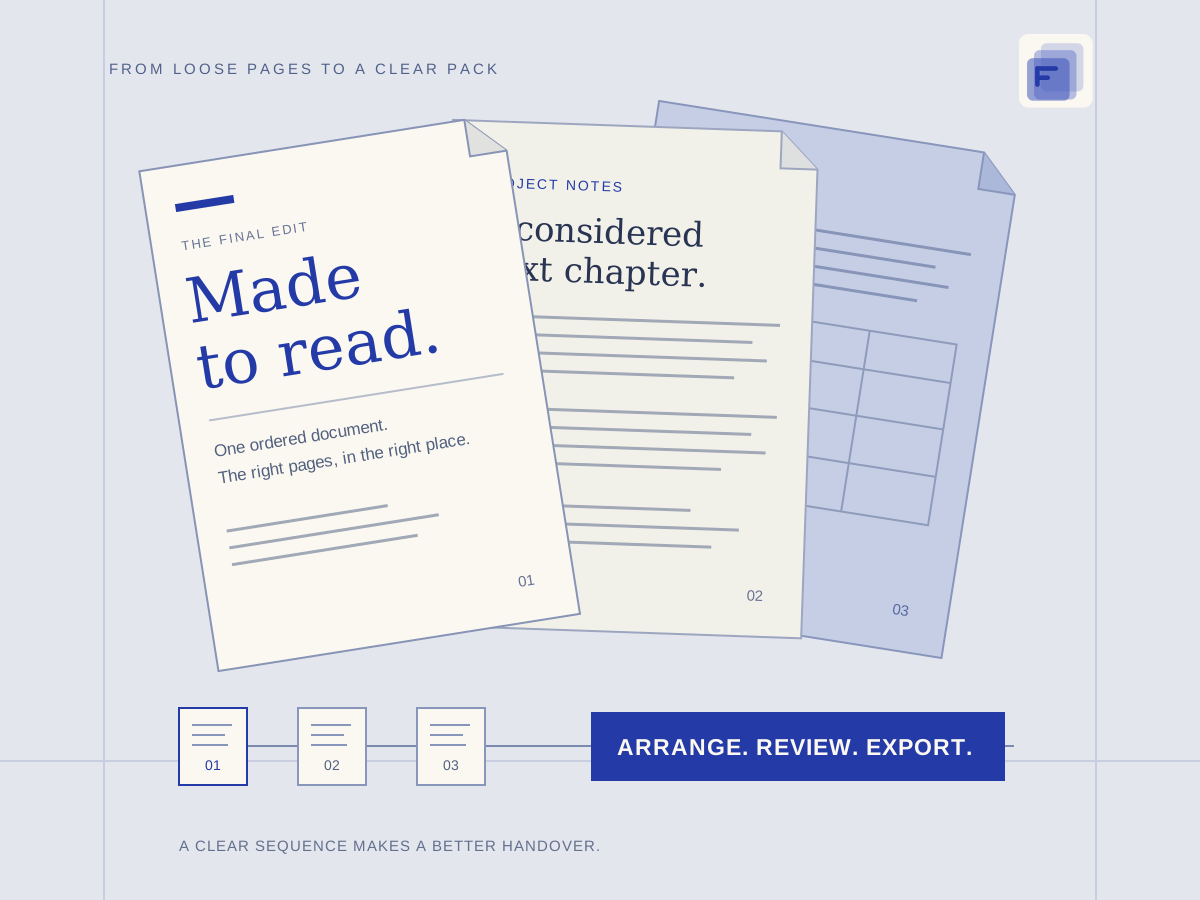
Prepare the sources and agree on the result
Write down the recipient’s requirements before collecting files: accepted formats, page order, maximum file size, deadline and whether an editable document is required. Use download links you are authorised to access. Keep source documents separate from the pack you will actually send.
Create a short manifest with a useful name for each source and its intended place in the final delivery. Check whether documents contain personal details or confidential material. A clean handover starts with deciding what should be omitted as well as what belongs in the pack.
Bring these inputs
- Authorised source-download links
- Documents and the recipient’s submission requirements
- A real delivery address and an agreed deadline
1. Flux: collect and verify the source files
Add the authorised source links to Flux and inspect the proposed downloads. Start the queue, follow the status of each item and resolve failures before treating the batch as complete. A saved URL or a queued item is not a verified source file.
Open representative completed downloads and confirm that they are the expected documents rather than a sign-in page, expired-link response or an older revision. Keep the source and its intended purpose recognisable. Export or save the completed files explicitly for use in Fold.
2. Fold: make the pack easy to review
Open the appropriate Fold project and import the checked files. Merge only the documents that belong together, arrange the pages in the recipient’s required order and review orientation, blank pages and duplicated material. Use conversion when the required format genuinely differs from the source.
Inspect the exported document from beginning to end. Check selectable text where it matters, the page count, small type, tables and any conversion changes. Keep the working project and original documents separately. Do not submit a preview image when the recipient needs a readable PDF or editable DOCX.
3. Dowe: share the delivery, not the working folder
Upload the finished pack and any approved supporting files into Dowe. Use filenames that make the delivery version clear, then create a direct file share or a board containing only the intended items. A folder in the working library is not automatically a published delivery.
Choose download permission and expiry to match the recipient’s task. Test the actual published destination before copying its link. Keep private source documents outside the board, and issue a new share for a changed board delivery rather than relying on later working-board edits.
4. Veil: send context and keep the next step visible
In Veil, compose a concise handover to the real recipient. Explain what the link contains, which version is final and what response is needed. Check the address and the link before sending. This recipe uses an explicit copied link; it does not imply that the apps synchronise the recipient or message automatically.
Set a follow-up reminder against the actual conversation if a response is needed. Review delivery or mailbox state in context: a sent item, a delivery event and an acknowledgement are different things. Keep the agreed deadline visible without treating a reminder as an automatic promise of delivery.
Review the actual delivery
Use the recipient’s requirements as a final review list. Verify the page order, filename, allowed format, file size and access window. Open the downloaded final document rather than relying only on thumbnails in the working apps. Check that the handover message describes the same version.
For confidential material, confirm that the chosen sharing method suits the audience. A link can be forwarded. If the delivery requires a restricted channel or another approval process, use that process before sending the message.
The finished set
- An inspected, ordered document pack
- A deliberate file or board sharing link
- A delivery message and a reviewed follow-up reminder
Keep access and costs deliberate
Use the cost information beside any paid operation to review its actual quote. This example does not assign a charge to ordinary browser editing or invent a fixed cost for a whole handover. Download services, processing, storage and mail features retain their own limits and access requirements.
Supply only the documents necessary for the task. Private material in a source pack should not become an unrestricted board item by accident. Keep provider credentials and access tokens out of filenames, captions and the delivery email.
Revise the right step and keep a recovery copy
If a download is wrong, fix the source before recombining the pack. If conversion changes layout, return to Fold and compare the affected pages with the original. Preserve local edits if you are asked to sign in again, then inspect the saved project before resubmitting work.
If you send the wrong pack, revoke the outdated Dowe link, prepare a corrected share and send a clear correction identifying the new version. Expiry and revocation cannot retrieve copies already obtained. Retain the source documents and the approved final pack in an independent archive.
Make your version of this workflow
Start with a small, representative set of your own sources. Complete one checked handoff before expanding the batch. Keep the output from each app clearly named so you can return to the right project when something changes.
Continue with the detailed starting guide, review Dowe sharing and access, or browse more combined-app workflows.