 Patchman
The toolkit / dọwe dọweBY PATCHMAN
dọweBY PATCHMANKeep your work organised. Share what is ready.
Keep originals and delivery files in a browsable library with folders and visual boards. Choose what to share, review access controls and track the activity around your files.
YOU BRING
Originals, drafts and approved files
YOU MAKE
An organised library or selected delivery
YOU CONTROL
Folders, boards, links and access
MAKE ROOM FOR THE GOOD PART.
Keep the work. Curate the handoff.
For people who need to find their originals and share only what is ready.
Curate selected work into visual boards.
Share files with access and expiry controls.
- Upload and check your files.
- Organise folders or curate a board.
- Review access and share the delivery link.
Keep the working library separate from the delivery
Dowe gives creative files two useful homes: a directory for the things you store and boards for the things you want to present together. Keep originals, working versions and approved exports recognisable without turning the whole library into a public destination.
Uploading a file, creating a folder or pinning an image to a board does not publish it. Sharing is a separate action against a selected file or board. That separation lets you prepare a release, client handover or reference collection privately, then decide exactly what a recipient should see.
Upload the files you intend to keep
Use the header upload control to add files, then wait for completion and inspect a representative item. Images can receive a bounded preview; another file type remains an identifiable downloadable original even when the browser cannot preview its format. The stored file and a generated preview are different things.
Choose a useful filename and working folder, and keep an independent recovery copy of important originals. A failed response does not always prove that an upload wrote nothing: inspect the library and the descriptive error before submitting the same large file again. Upload limits and available storage apply to the selected service configuration.
Use Directory, Boards, Sharing, Insights and Storage deliberately
- Directory organises the owned file library with folders, names, search and selection. A folder is organisation metadata, not a physical cloud bucket.
- Boards compose selected files with placement, size, rotation and captions. Pins reference your files; arranging a board does not normally duplicate the source bytes.
- Sharing creates an explicit file or board link with a title, optional expiration and download permission. Revocation changes later access through that link.
- Insights reports recorded delivery activity. Owner previews, HEAD checks and partial range requests are not counted as full completed deliveries.
- Storage provides a developer-facing logical bucket, Dowe endpoint and scoped Dowe credentials. Physical provider accounts remain an operator responsibility.
Example: hand over one approved release pack
- Store originals and editable sources in a private working folder. Upload the checked cover, final video and delivery document with names that explain their purpose.
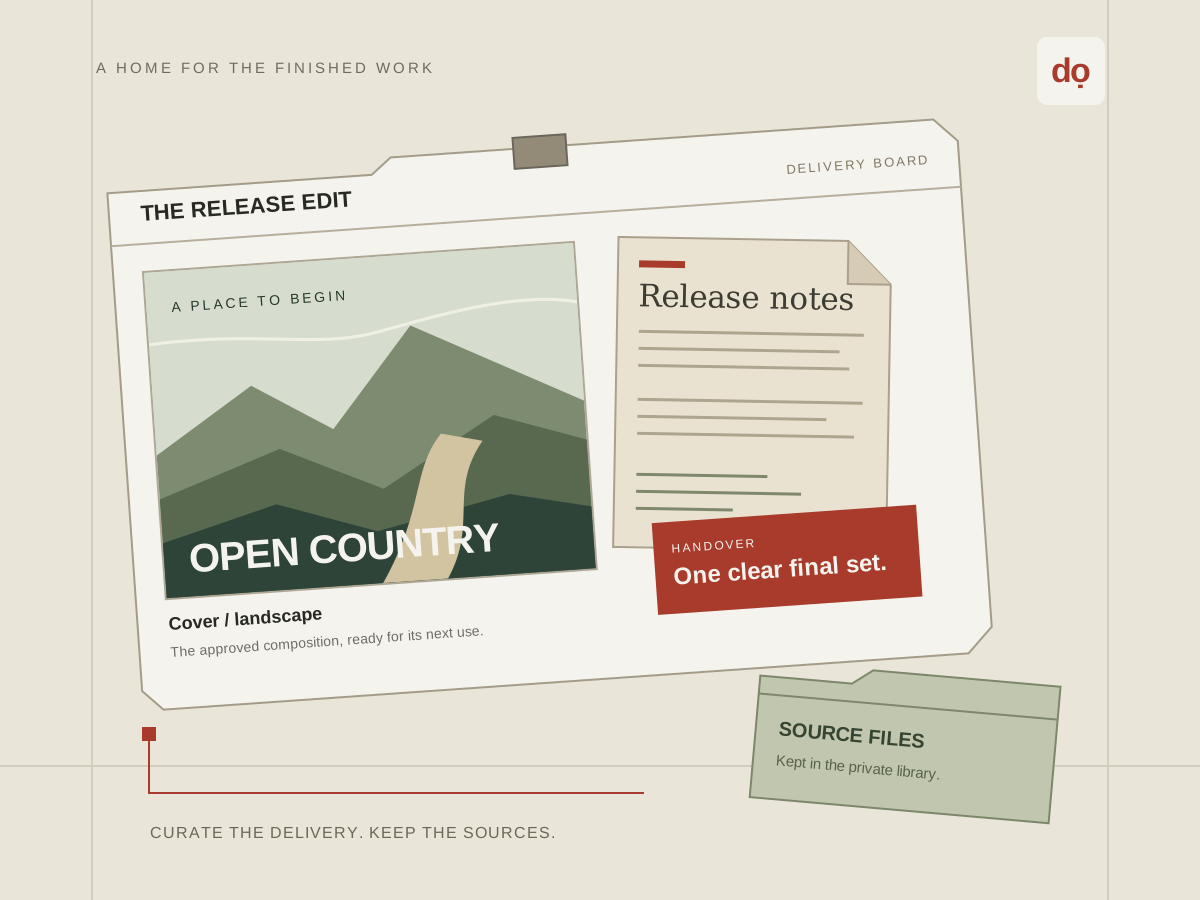
- Build a board using only the approved exports. Add short captions that distinguish the full visual, portrait clip and supporting notes.
- Create the board share deliberately. Review the visible title, optional expiry and whether the recipient should download the original files.
- Open the shared destination as a recipient would, inspect the selected files, then send the link with context. Revoke an outdated link and issue a new reviewed delivery when the approved set changes.
Understand snapshots, recovery and what a link cannot undo
A published board captures its layout and source-file references as a snapshot. Editing the working board is not a reliable way to change an already issued board share. Review the published destination and create a new share when the intended delivery changes.
Revocation and expiration apply to future authorised fetches. They cannot retrieve a copy that someone already downloaded, photographed or forwarded. Deleting a source can make a related delivery unavailable. Keep a clear approval process and independent backups; a visual board and its activity record are not a complete backup strategy.
Private access from the library to the physical object
Dowe checks account ownership before reading or mutating private library records. A stored file carries its logical Dowe bucket and the physical provider chosen at storage time. A logical bucket never chooses that provider, and changing provider priority does not relocate existing files.
Developer clients use Dowe’s endpoint and Dowe-issued credentials with permissions, prefix scope and expiry. They do not receive S3, R2, GCS or MinIO provider secrets. Keep access keys out of shared links and browser code. Ordinary free sharing is distinct from creator commerce; do not treat a share setting as proof that a purchase or payout flow has completed.
Read the detailed storage architecture · Understand sharing and access
Questions about storage and delivery
Are folders, logical buckets and provider buckets the same thing?
No. Folders organise your library, a logical bucket scopes Dowe’s customer storage interface, and a physical provider bucket stores object bytes. Each file keeps its own placement reference.
Does a board share automatically include later board edits?
The published board carries a snapshot. Review that share and issue a new one for a changed delivery rather than assuming that edits to the working board silently update recipients.
Can I prevent every copy after allowing someone to view an image?
No browser presentation can guarantee that a recipient will never save or capture visible material. Download controls, expiry and revocation govern Dowe’s future delivery, not copies already obtained.
Dowe walkthrough · Files, folders and boards in depth · Share permissions and expiry · Logical and physical storage